
You can create forms to let people subscribe and unsubscribe to your newsletters and use SendBlaster to manage them.
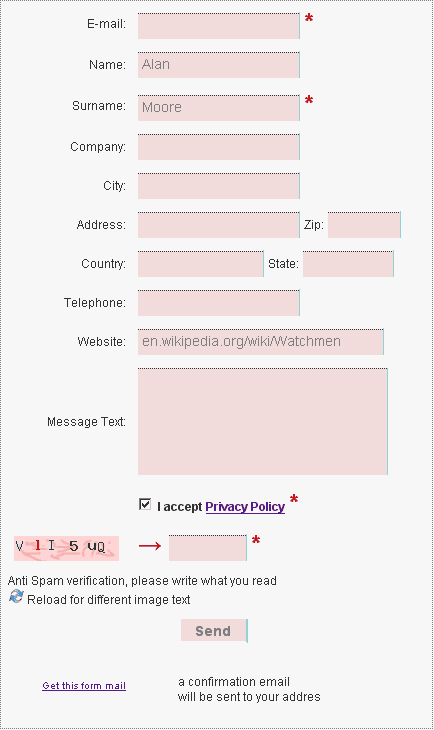
These forms send an email with data gathered from all the fields to your mailing list management email address. Data may be processed from our mailing software Sendblaster.
After each customer subsctiption on your Website you will find their information directly inside your Sendblaster database.
You will create a permission-based mailing list, from which you will send your newsletter and special offers.
You can manage three kinds of forms:
- single opt-in form
- double opt-in form
- single opt-out form
Opt-in forms are subscription forms. If the double opt-in is selected, than users will receive a confirmation mail in which they are required to answer
Opt-out form is a simple unsubscription form
Ensuring email accuracy in subscription forms
Collecting valid email addresses is crucial for maintaining a high-quality mailing list. Invalid or mistyped addresses can negatively impact email deliverability and sender reputation.
Recent statistics on invalid and non-existent email addresses in signup forms reveal how frequently users enter incorrect data, highlighting the importance of validation measures.
A brief note about US and European Spam law
The currently approved US CAN-SPAM Act requires an opt-out solution in your emails, this is enough for American law.
Please consider that the European Directive 2002/58/EC is more restrictive and requires mandatory "opt-in" forms to gather the customer emails for email marketing and newsletter subscription. The double optin subscription management is the best way to respect your customer's privacy.